01 / CAPTURE
Start with your screen.
Capture your desktop on Mac, or a website tab in Chrome. Add audio and your microphone, or take a screenshot.
00:12
FOR MAC AND CHROME.
From a quick “let me show you”
to something worth sharing.
Record your screen. Guide the eye. Give videos and screenshots a beautiful finish.
Free to start on both platforms
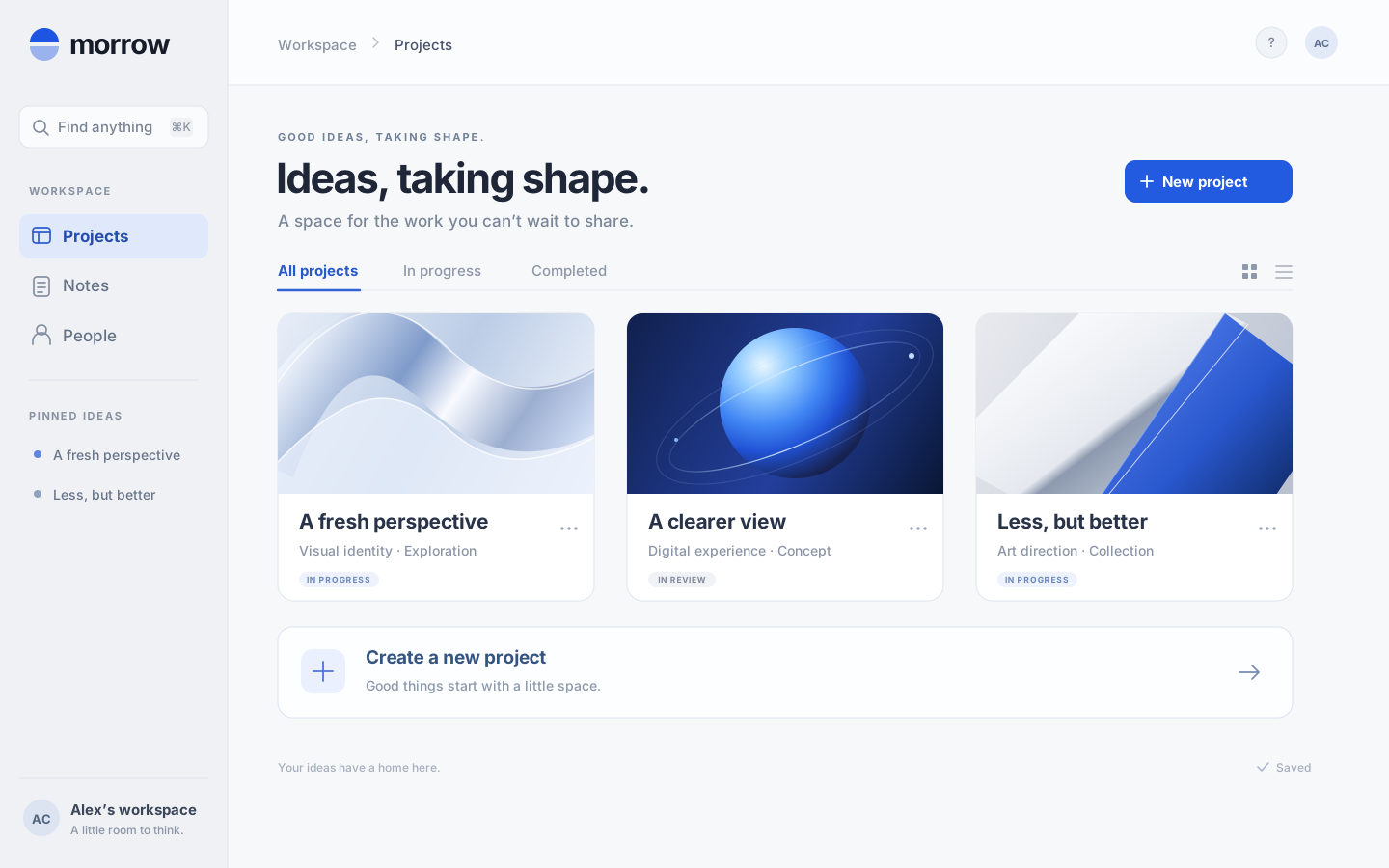
An interactive illustration with a sample project. Capture and editing stay on your device.
MEET FOCUSFILM FOR CHROME
Turn a browser walkthrough into something worth sharing. Record, refine, and export right where you work.
Add to Chrome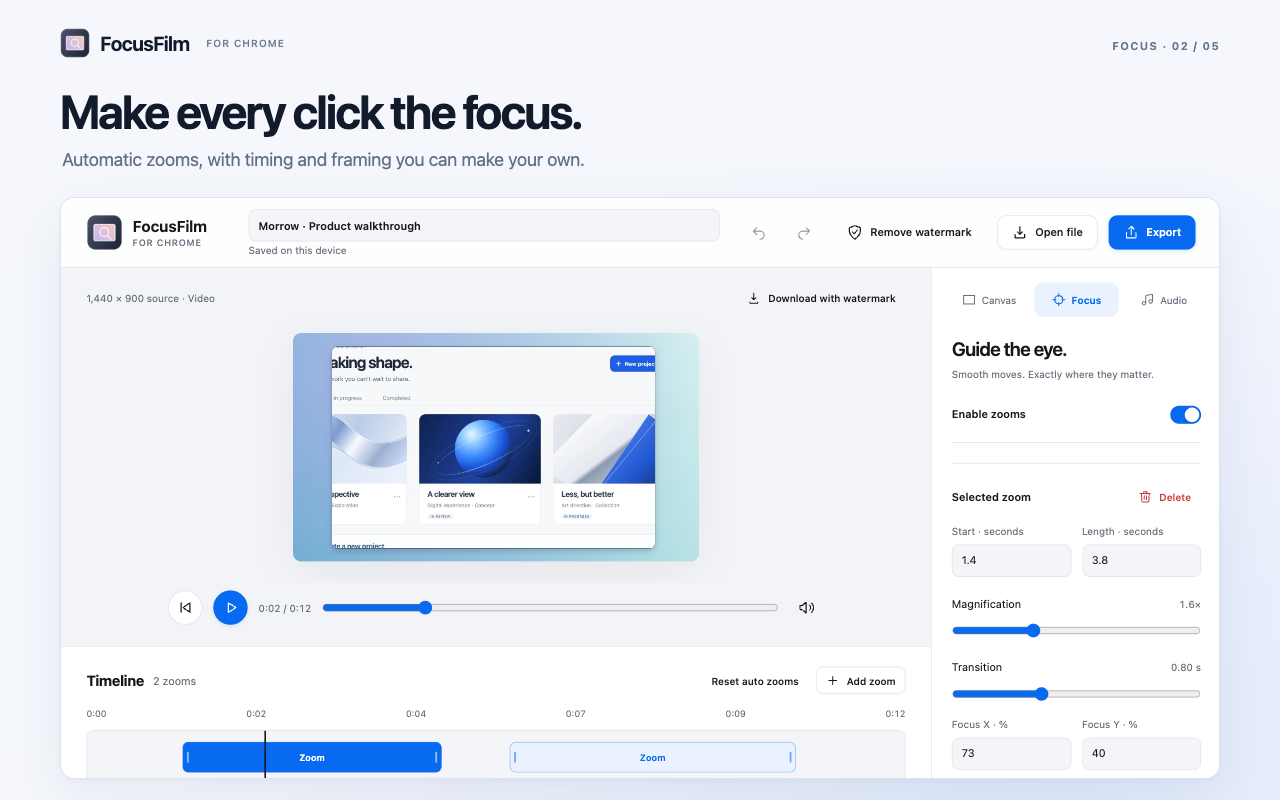
LESS FRICTION. MORE FINISH.
For the feature you just shipped, the feedback you need to give, and the tiny detail that makes all the difference.
Capture your desktop on Mac, or a website tab in Chrome. Add audio and your microphone, or take a screenshot.
Clicks and typing become editable zooms. Place your own, then drag to change their timing and length.
Set the background, shape the frame, add a soundtrack. Export with the format and quality you need.
THE FRAME MAKES THE FEELING.
Quiet gradients. Tactile patterns. A dramatic backdrop.
Try a few on. Find your kind of finish.
Your own images and custom aspect ratios are welcome in the app, too.
IT’S THE LITTLE THINGS.
Capture a display, window or area on Mac, or the visible tab in Chrome. Frame your screenshot just like your videos. The Mac app also includes arrows, text, and privacy tools.
Six original tracks, or one of your own. Layer in your voice and capture audio. Let clicks and typing add a little rhythm.

Even the way you work
can become part of the sound.
ON YOUR DEVICE. IN YOUR CONTROL.
Your Mac app stores projects on your Mac. The Chrome extension stores them in your browser profile. No media uploads or account needed to start. Projects don’t sync between the two.
Premium uses online license checks. Your media stays local.YOUR STUDIO. YOUR CHOICE.
Just the browser, or both.
One payment. No subscription.
$0
The core tools, on either platform.
$19 USD / once
Your browser studio, without the mark.
The extension is free to install.
$29 USD / once
Premium, wherever you create.
Existing $29 licenses include Chrome.
Resolution and codec support depend on your device.
The $29 license covers two active installations: each Mac or Chrome profile uses one slot. Taxes may apply at checkout.
THE PRACTICAL DETAILS.
The current preview runs on Apple silicon Macs with macOS 15 or later. The installer is about 6.3 MB.
Choose Add to Chrome from desktop Chrome, then pin FocusFilm from the Extensions menu. Chrome records one website tab. The Mac app can capture your desktop and other apps.
Both versions include recording, screenshots, editable zooms, backgrounds, trimming, and music. Mac Free exports video up to 1080p with a watermark. Chrome Free includes every supported resolution, including 4K, with a large watermark. Chrome Premium removes the watermark. The Mac + Chrome license also unlocks 1440p and 4K video in the Mac app.
The US$19 Chrome-only plan covers two Chrome profiles and removes the watermark. Checkout for that plan is coming soon. Mac + Chrome is US$29 once for watermark-free exports on both platforms plus higher-resolution Mac video. It covers two active installations, shared across Macs and Chrome profiles. You can activate an existing US$29 key in Chrome today.
No. Capture, editing, and export happen on your device. Mac projects stay on your Mac; Chrome projects stay in that browser profile, with no cloud backup or cross-profile sync. Premium activation and periodic license checks use an internet connection. Your recordings are not sent with those checks.
Yes. Open a video, add manual zooms, trim it, style the background and add music. Automatic click and typing zooms use interaction timing captured when you record with FocusFilm.
Mac exports MP4, MOV, and animated GIF video, plus PNG and JPEG screenshots. Chrome exports MP4 or WebM video and PNG screenshots, depending on browser support. Both let you choose video resolution and quality, see progress, and cancel an export.
Download the DMG, open it, and drag FocusFilm into Applications. This preview is locally signed and is not notarized by Apple. If macOS blocks it, review System Settings → Privacy & Security → Open Anyway, and proceed only if you trust the source. Screen Recording permission is needed for capture; microphone and input permissions are optional.

YOUR NEXT GREAT DEMO STARTS HERE.
Free with watermark · v0.12.0 · 6.3 MB
Apple silicon · macOS 15+ · Preview build, not notarized by Apple.